How to Spot a Failing Phone Battery Before It Dies
Smartphone batteries don’t last forever. Most lithium-ion batteries are rated for around 300–500 full charge cycles, after which their performance starts to decline. Recognizing the warning signs early can save you from data loss, sudden shutdowns, or even safety risks.
Common Signs of a Failing Battery
-
Rapid draining even on standby
If your phone drops from 100% to 70% after sitting unused for a few hours, the battery is likely losing capacity. -
Phone feels hot during light use
Overheating during simple tasks (like texting or browsing) suggests the battery is working harder than it should. -
Sudden shutdowns at 20–30%
A healthy battery delivers power consistently. If your phone powers off even when the gauge shows plenty of charge, the cells may be degrading. -
Battery swelling
A swollen or bulging back cover is a serious red flag. This can be dangerous—stop using the device immediately and seek professional help.
What You Can Do
- Check battery health settings: iPhones have a “Battery Health” section in Settings. Many Android devices offer diagnostics, or you can use third-party apps.
- Reduce strain: Lower screen brightness, close unused apps, and disable background refresh.
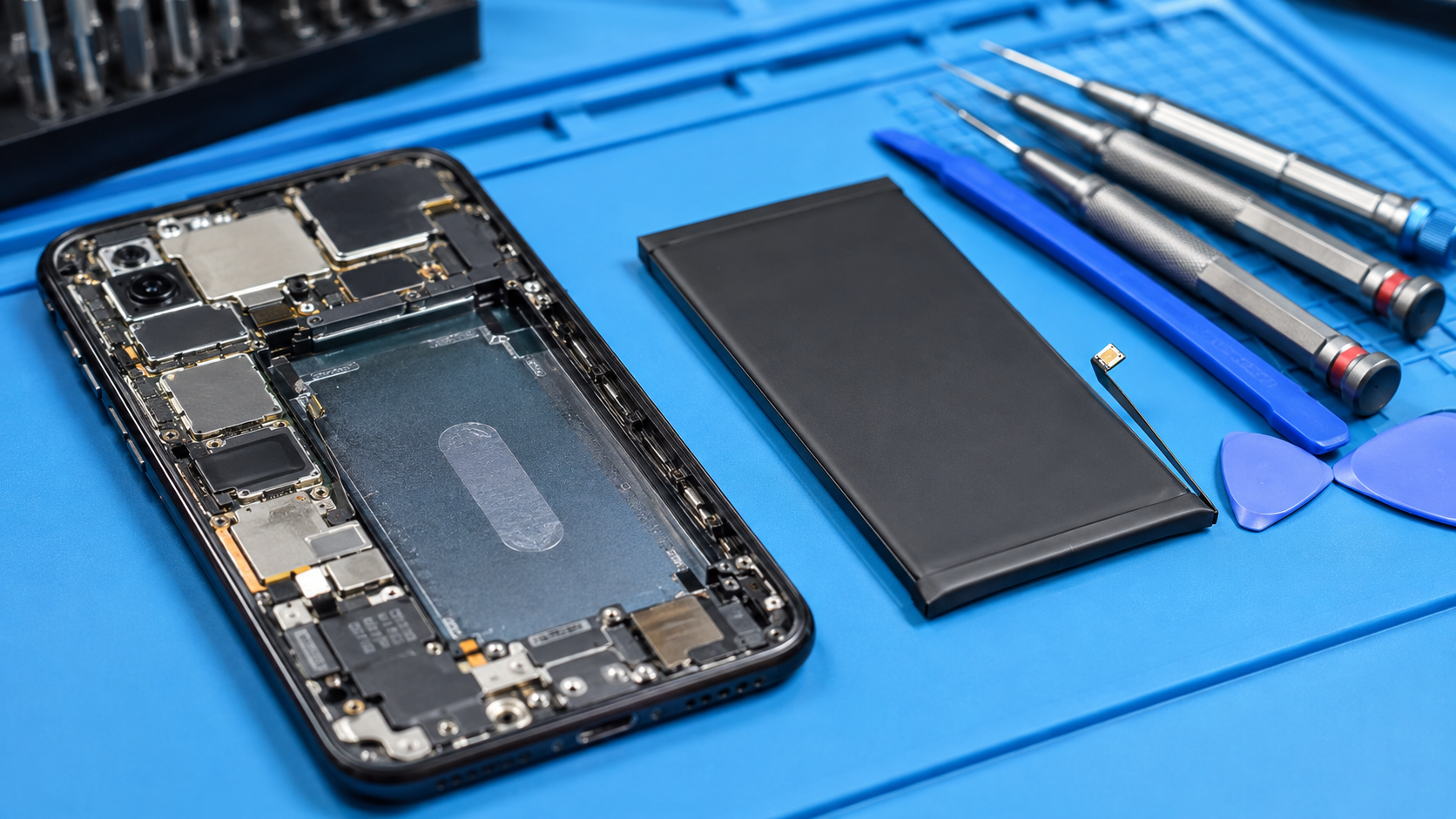
- Replace or repair: A battery replacement is usually far cheaper (and greener) than buying a new device. At TechLabs, we safely replace and recycle old batteries.
Why It Matters
Replacing a failing battery extends the life of your phone and keeps toxic e-waste out of landfill. Every repair you choose over replacement contributes to the circular economy ♻️.